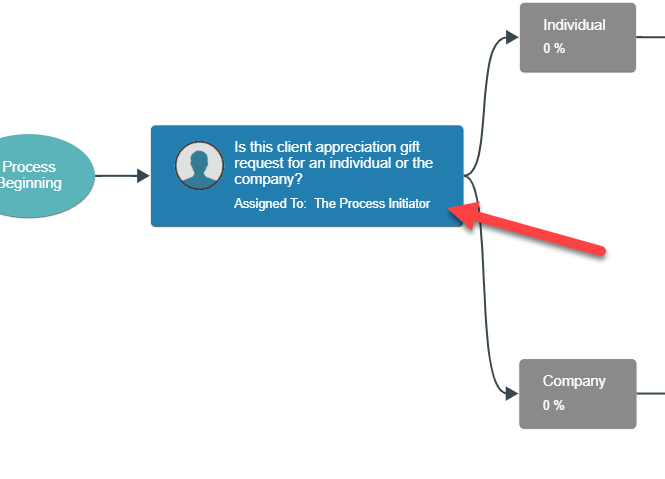
Process Task Assignments
Each task within your process flow diagrams can be assigned to different people.
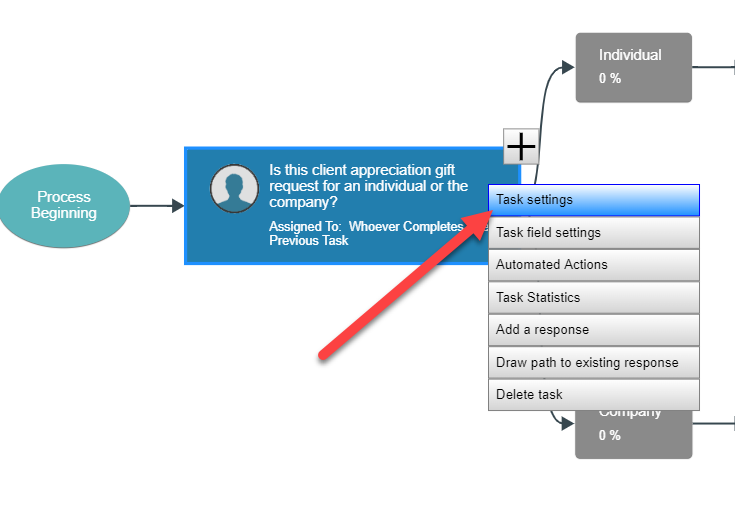
To change who each task in the diagram is assigned to, right-click on the task and open its settings panel.
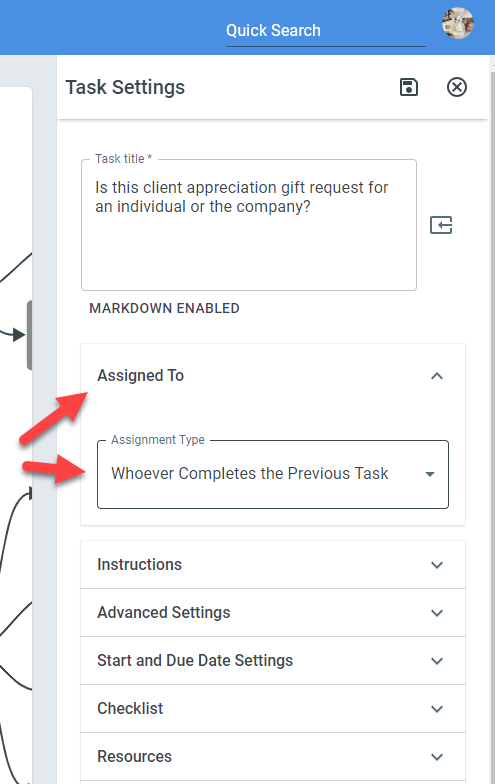
Then, within the task’s settings panel, expand the Assigned To accordion and choose how the task should be assigned. You can assign tasks to specific people or groups, or you can assign the tasks to dynamically calculated people (the process initiator for instance).
After changing the task’s Assigned To property, the diagram should update to display the updated assignment.