
=!CONTAINS (Does Not Contain)
The !CONTAINS Function checks whether a specified value does not appear anywhere within another text value.
It returns TRUE if the search text is not found, and FALSE if the search text is found.
Syntax
Section titled “Syntax”=!CONTAINS(DoesThisValueNotExist; AnywhereInsideThisValue)Parameters
Section titled “Parameters”-
DoesThisValueNotExist
The text you want to search for. -
AnywhereInsideThisValue
The text (or field token) to search within.
Usage Notes
Section titled “Usage Notes”In the Calculated Value section of a process field, type =!CONTAINS, followed by the value you want to search for, a semicolon (;), and the text or field you want to evaluate.
-
The search checks for the value anywhere within the target text.
-
You can give more than one place to look, each after its own semicolon. The function returns TRUE only if none of them contains the search value.
-
A field token’s value is looked for as one value, even when it contains a semicolon. If text you type into the formula yourself contains a semicolon, wrap it in =ENCLOSE so it is looked for as one value too:
=!CONTAINS(=ENCLOSE(Suite 4; Floor 2); [[Field: Address (Text)]]) -
Useful for conditional logic, filtering, and rule-based automation.
Example
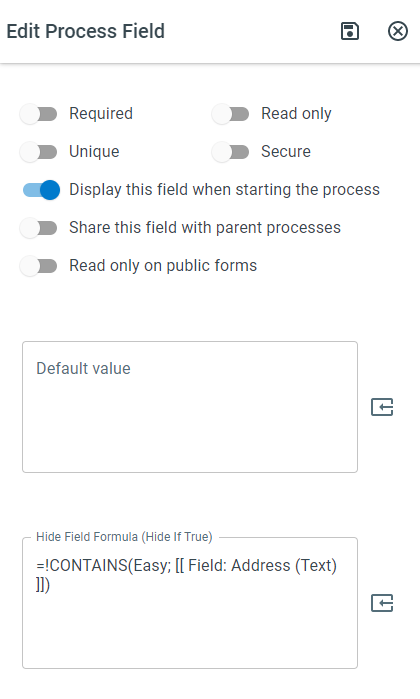
Section titled “Example”=!CONTAINS(Easy; [Field token])If the token does not contain the word Easy, the function returns TRUE.
Keywords
Section titled “Keywords”!CONTAINS, does not contain, text search, string comparison, conditional logic, validation, filtering, boolean function, calculated value, formula function