Task Statistics
The Task Statistics page gives deeper insight into a specific task.
To view statistics for a task, do the following:
-
Log in to your account
-
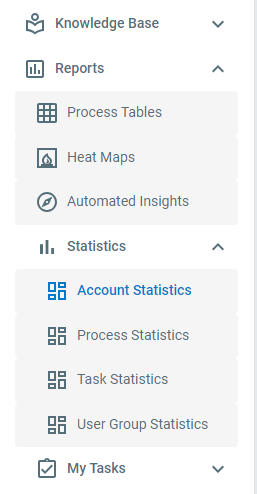
Click Reports > Dashboards > Task Dashboard
-
Select a template and a task
The Task Statistics page shows:
- Pending Tasks - The number of outstanding instances of this task
- Past Due Tasks - The number of outstanding instances of this task that have passed their due date
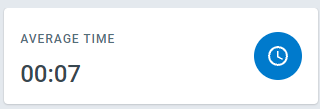
- Average Time - The average time it takes to complete this task, in minutes
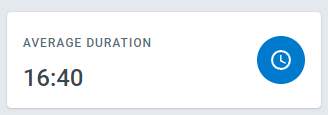
- Average Duration - The average time the task spends on the task list
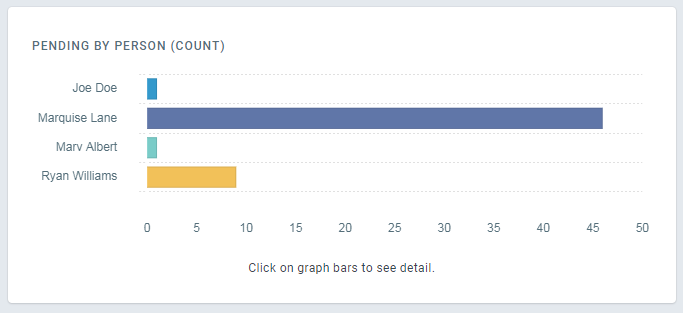
- Pending by Person - A count of the pending tasks broken down by assignee
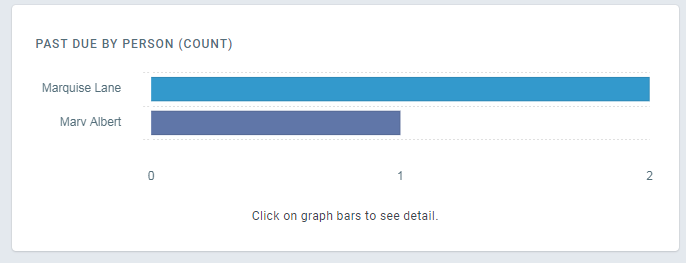
- Past Due by Person - A count of the past due tasks broken down by assignee
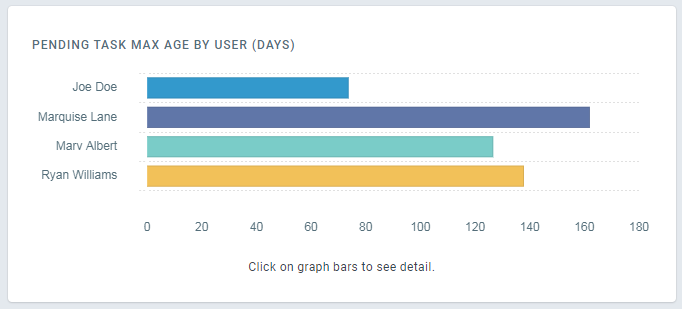
- Pending Task Max Age by User (Days) - The age of the oldest pending task assigned to each user
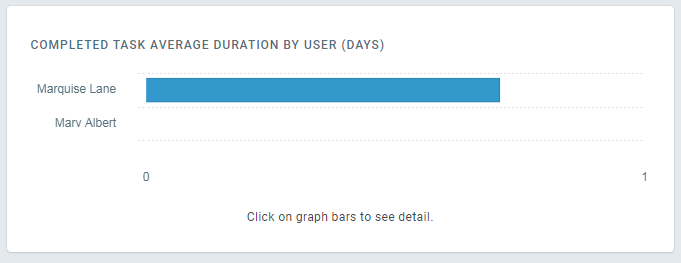
- Completed Task Average Duration by User (Days) - The average amount of time a task is assigned to the user before completion
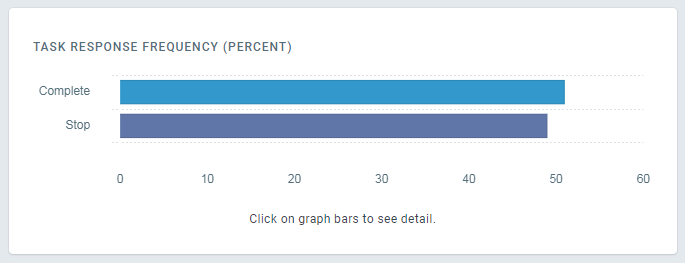
- Task Response Frequency (Percent) - How often each response is chosen