Instance Security
Visibility and editability rights can be controlled on each individual process instance.
To control visibility and editability rights on an instance, do the following:
-
Access the process instance you want to edit rights for (see Active Processes, Process Tables, etc.)
-
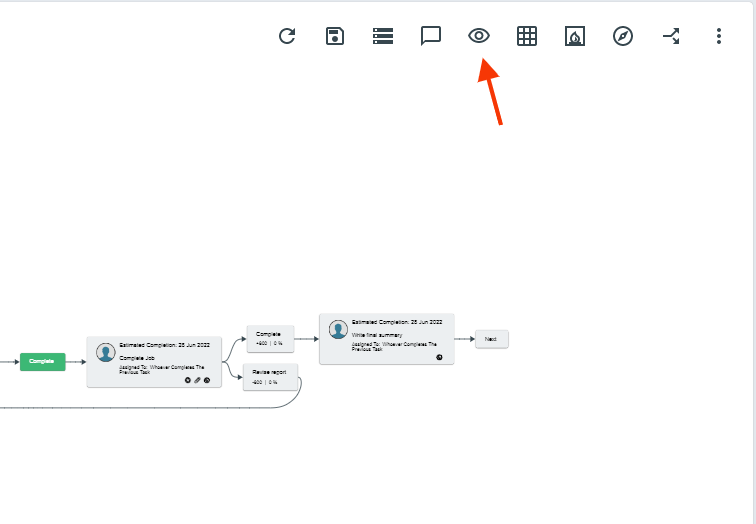
Once the progress diagram is open, click the 3 dot button in the top right > Process Security
-
Add or remove users to the Editability and Visibility List as you see fit