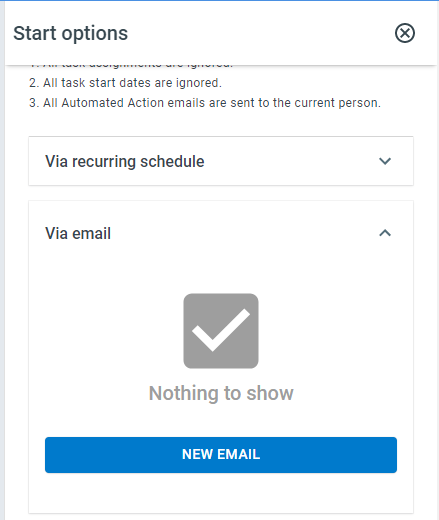
Via Email
Any process can be launched by sending an email to a ProcessPlan-generated email address. When launching a process via email:
-
The “from” email address will be stored in the first Email Address field type in the process.
-
The “email subject” will be stored in the first Text field type in the process.
-
The “email body” will be stored in the first multiline text field type.
-
The “email attachments” will be stored in the first attachment field type.
Formulas can be written to parse out information from the email body if necessary.
To start a process via email, do the following:
-
Log in to your account
-
Click Administration > Processes > Template Diagrams > The card of the process you want to start
-
Click Start Process > Via email > New Email. A new email address will be generated; click the email address to copy it to your clipboard.
Creating or deleting one of these email addresses requires permission to edit that process template, because anyone who emails the address starts the process.