
Connecting ProcessPlan & Zapier
Zapier is a 3rd party service that allows users to connect different apps and perform automations.
To connect your ProcessPlan account to Zapier, do the following:
-
Click Administration > Processes > Template Diagrams > The card of the process you want to automate
-
Once the template is open, click the Automated Actions icon > Create New (at the top of the panel)
-
Name your action > Click Automate Using Zapier. Zapier’s ProcessPlan page opens in a new browser tab. Log in to your Zapier account
-
In Zapier search for ProcessPlan
-
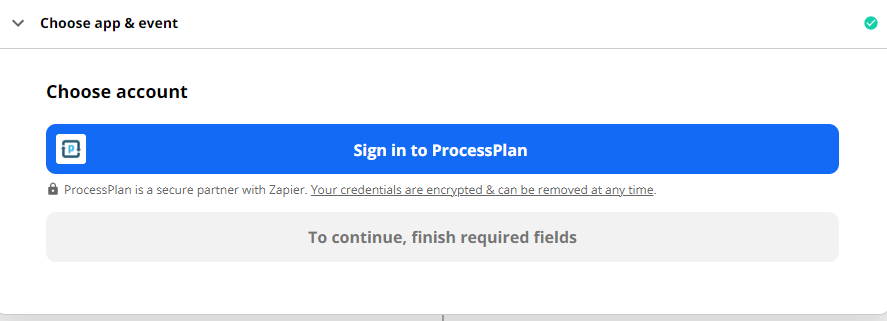
In Zapier, on the Choose account section of your ProcessPlan step, click Sign in to ProcessPlan > Enter the Email Address & Password you use to sign in to ProcessPlan > Continue > Continue in Zapier
Once connected, see Zapier Triggers & Actions for the list of ProcessPlan triggers and actions available in Zapier.