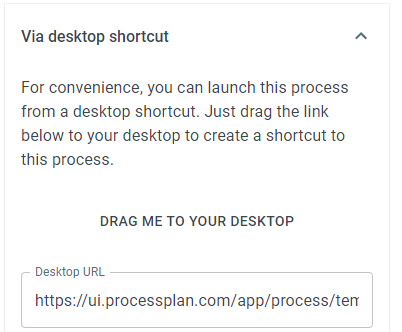
Via Desktop Shortcut
ProcessPlan gives you the ability to start a process by clicking a shortcut on your desktop.
To generate a desktop shortcut, do the following:
-
Log in to your account
-
Click Administration > Processes > Template Diagrams > The card of the process you want to start
-
Click Start Process > Via desktop shortcut
-
Drag the link to your desktop.