
=REMOVESPACES
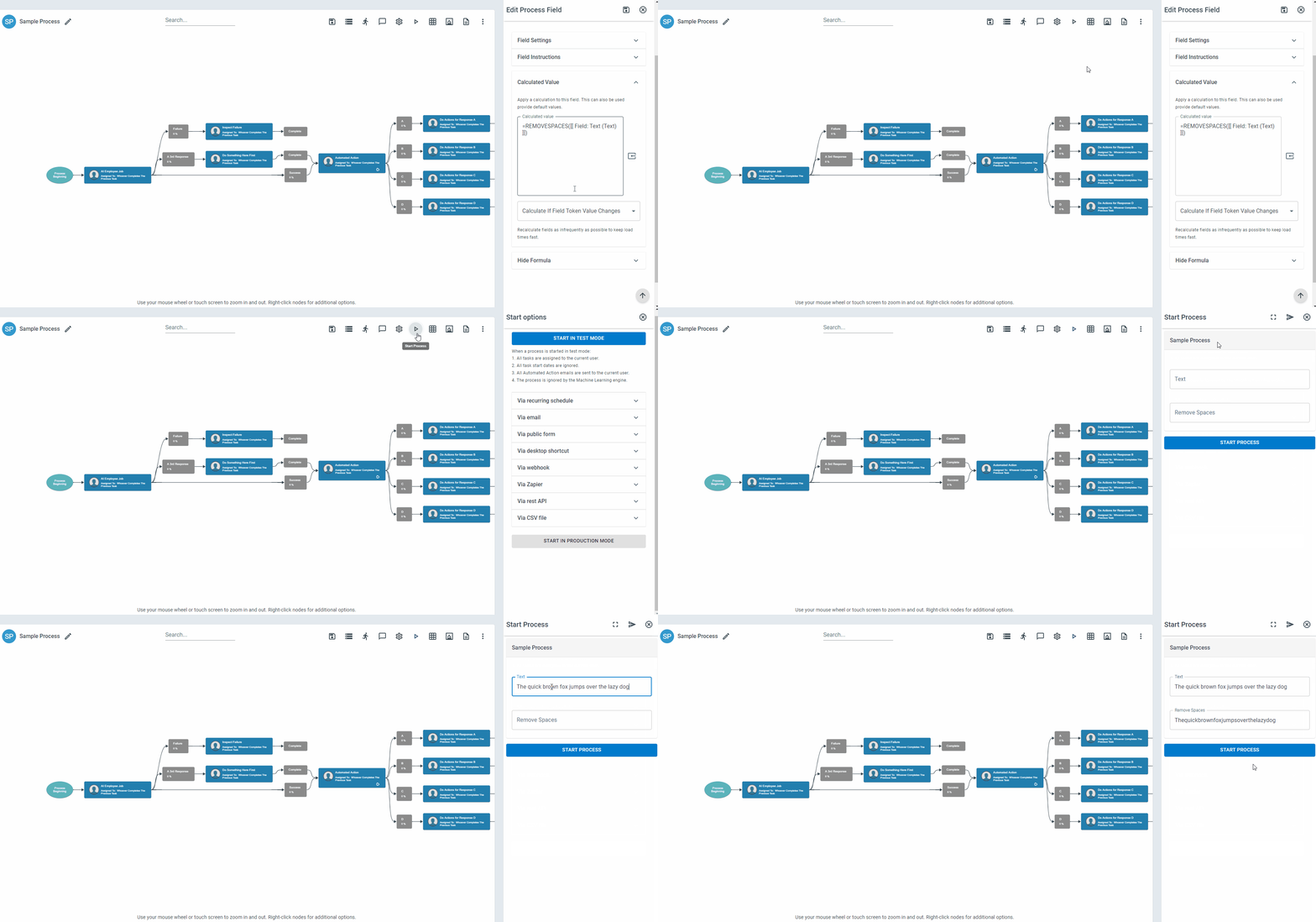
The REMOVESPACES function removes all spaces from a specified text string or field.
Syntax
Section titled “Syntax”=REMOVESPACES(ValueOrField)Parameters
Section titled “Parameters”ValueOrField – The text string or field token from which all spaces will be removed.
How It Works
Section titled “How It Works”-
Scans the input text for space characters.
-
Removes every space found in the string.
-
Returns a continuous string with no spacing between characters.
Usage Notes
Section titled “Usage Notes”-
Formula functions are case sensitive and must be written in ALL CAPS.
-
Removes all spaces, including leading, trailing, and internal spaces.
-
Useful for standardizing IDs, codes, or compact text values.
-
Can be combined with other text functions for data cleaning workflows.
-
Unlike NORMALIZETEXT, this function fully eliminates spacing rather than standardizing it.
Example
Section titled “Example”=REMOVESPACES(123 Sample Street NY)Returns
Section titled “Returns”123SampleStreetNY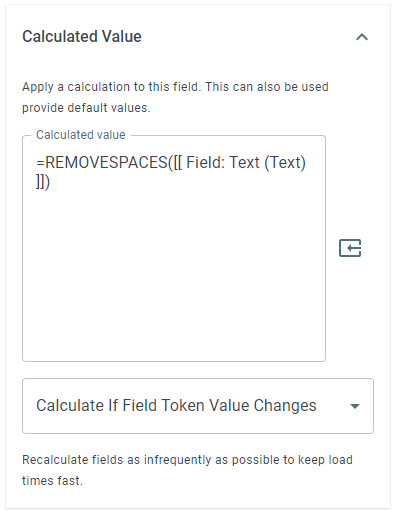
Keywords
Section titled “Keywords”REMOVESPACES, remove spaces, strip whitespace, text cleanup, string compression, no spaces, workflow formulas, formula function