
Downloading an Image of Your Diagram
You can save a picture of a process template’s diagram as an image file. Use it to share the flow with someone who doesn’t use ProcessPlan, to add it to a document or presentation, or to print it.
- Click Administration > Processes > Template Diagrams, then click the template you want an image of. Its diagram opens.
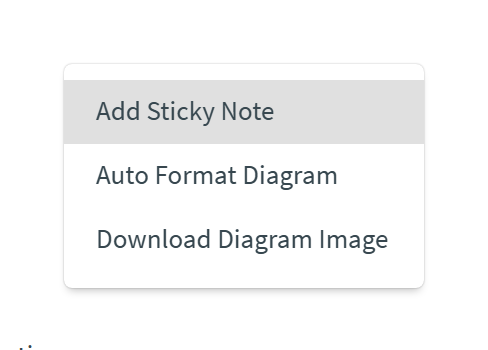
- Right-click an empty area of the canvas, away from any step or connector.
- Choose Download Diagram Image.
Your browser downloads the image as a PNG file named after the template, such as Employee Onboarding.png. PNG is a standard picture format, so you can open it in any image viewer or drop it into a document, a presentation, or an email.
What’s in the image
Section titled “What’s in the image”- Every step, connector, and sticky note - the whole diagram, no matter how far you’re zoomed in or which part of it is on your screen.
- Unsaved changes - the image includes changes you haven’t saved yet. Click Save first if the image should match the saved template.
- A white background - even when you use ProcessPlan in dark mode, so the image reads well in documents.
- No toolbar or overview map - only the diagram itself is drawn.
The image is saved at high resolution, so it stays sharp when you print it or zoom in. A very large diagram is saved at a lower resolution, so that your browser can create the image.
For everything else you can do on the canvas, see The Diagram Editor.