Viewing Knowledge Base Documents
To view the Knowledge Base documents in your account, do the following:
-
Log in to your account
-
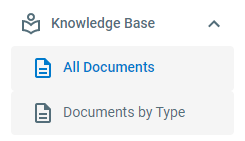
Click Knowledge Base in the left-hand navigation menu
-
To view all Knowledge Base documents in the account, click All Documents. To view Knowledge Base documents separated by process, click Knowledge Base > Documents By Type