
=MONTHDAY
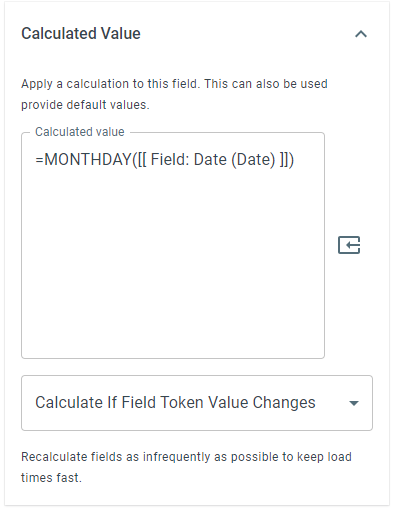
The =MONTHDAY() function allows you to extract the numerical day of the provided date. Optionally allows you to add or subtract days from the extracted value.
Syntax
Section titled “Syntax”=MONTHDAY(DateValue; OptionalAddOrSubtractDay)Parameters
Section titled “Parameters”-
DateValue – The date or date field token from which to extract the day.
-
OptionalAddOrSubtractDay (optional) – A number to add to or subtract from the day value.
-
Use a positive number to add days.
-
Use a negative number to subtract days.
-
How It Works
Section titled “How It Works”-
Evaluates the provided date value.
-
Extracts the day portion of the date.
-
Applies the optional add or subtract value if provided.
-
Returns the resulting numeric day.
Usage Notes
Section titled “Usage Notes”-
Formula functions are case sensitive and must be written in ALL CAPS.
-
The date must be in a valid format recognized by the system.
-
Field tokens containing dates can be used instead of hard-coded values.
-
Adding or subtracting days does not adjust the month automatically - this function only returns a numeric day value.
-
Useful for reminders, offsets, or simple date-based logic within workflows.
Example
Section titled “Example”=MONTHDAY(2024-12-24; 1)Returns: 25
Explanation: The function would normally return 24, however, we provided the optional second parameter to add 1 to the day, so the result is 25.
Keywords
Section titled “Keywords”MONTHDAY, day of month, date function, extract day, date calculation, workflow formulas, formula function