Sharing Knowledge Base Documents
Knowledge Base Documents can be printed or saved in PDF format.
To print or save a Knowledge Base Document, do the following:
-
Log in to your account
-
Click Knowledge Base > All Documents or Documents By Type
-
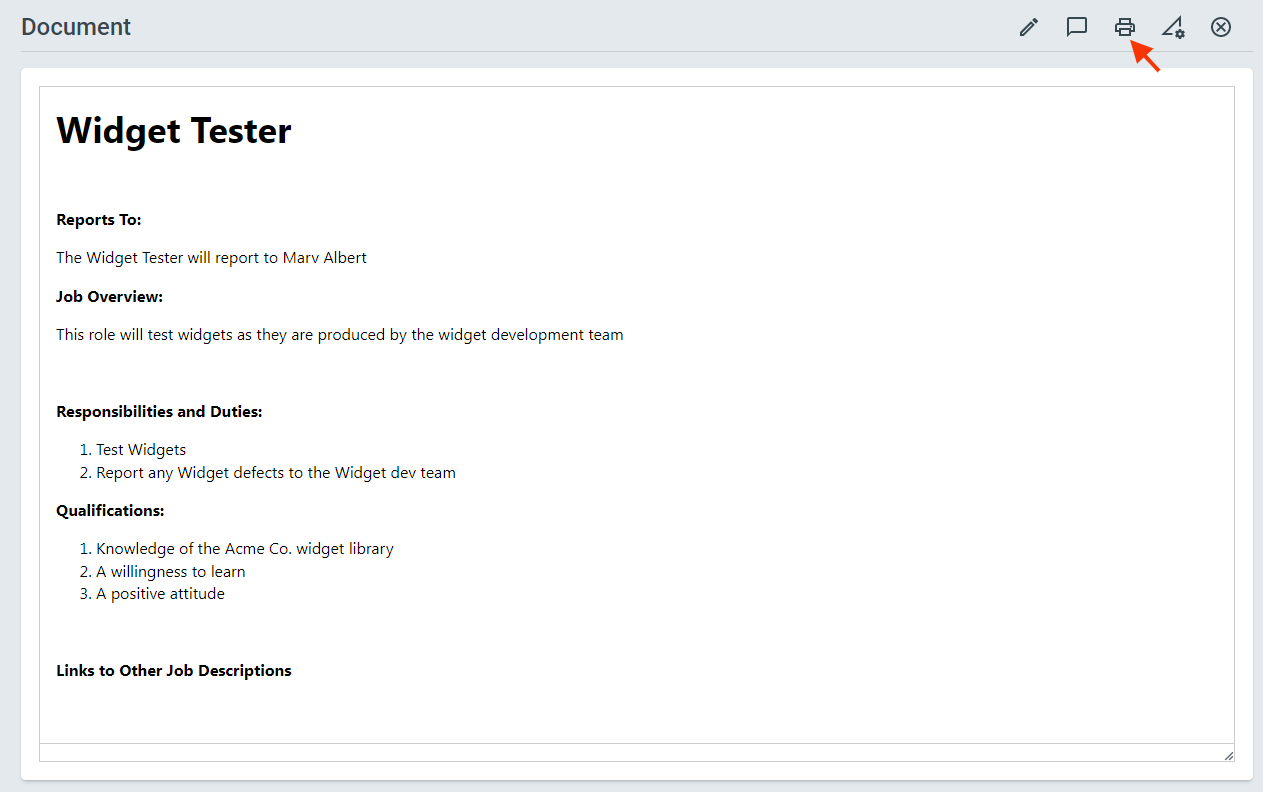
Open the Knowledge Base Document you want to print or save > Click the Print icon in the top right