
Process Templates
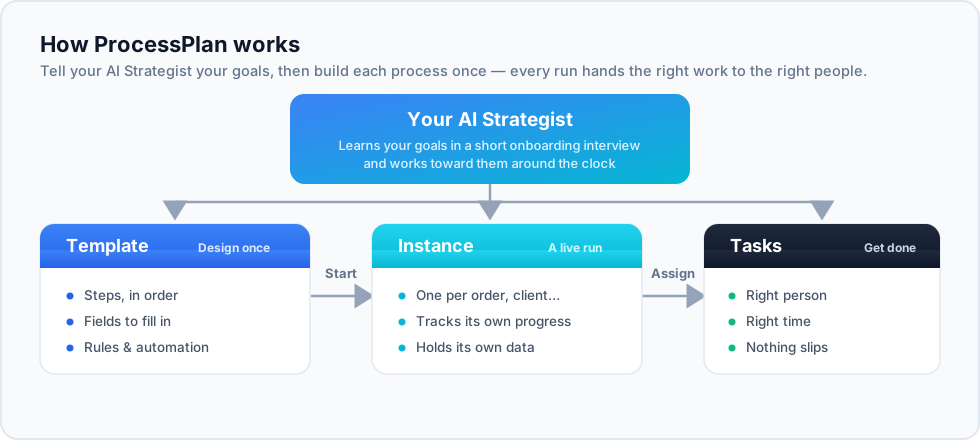
A process template is the reusable blueprint for a process: the steps involved, the order they happen in, and who is responsible for each. Once a template exists, anyone with permission can launch it as many times as needed, and every run follows the same proven structure.
Creating a template
Section titled “Creating a template”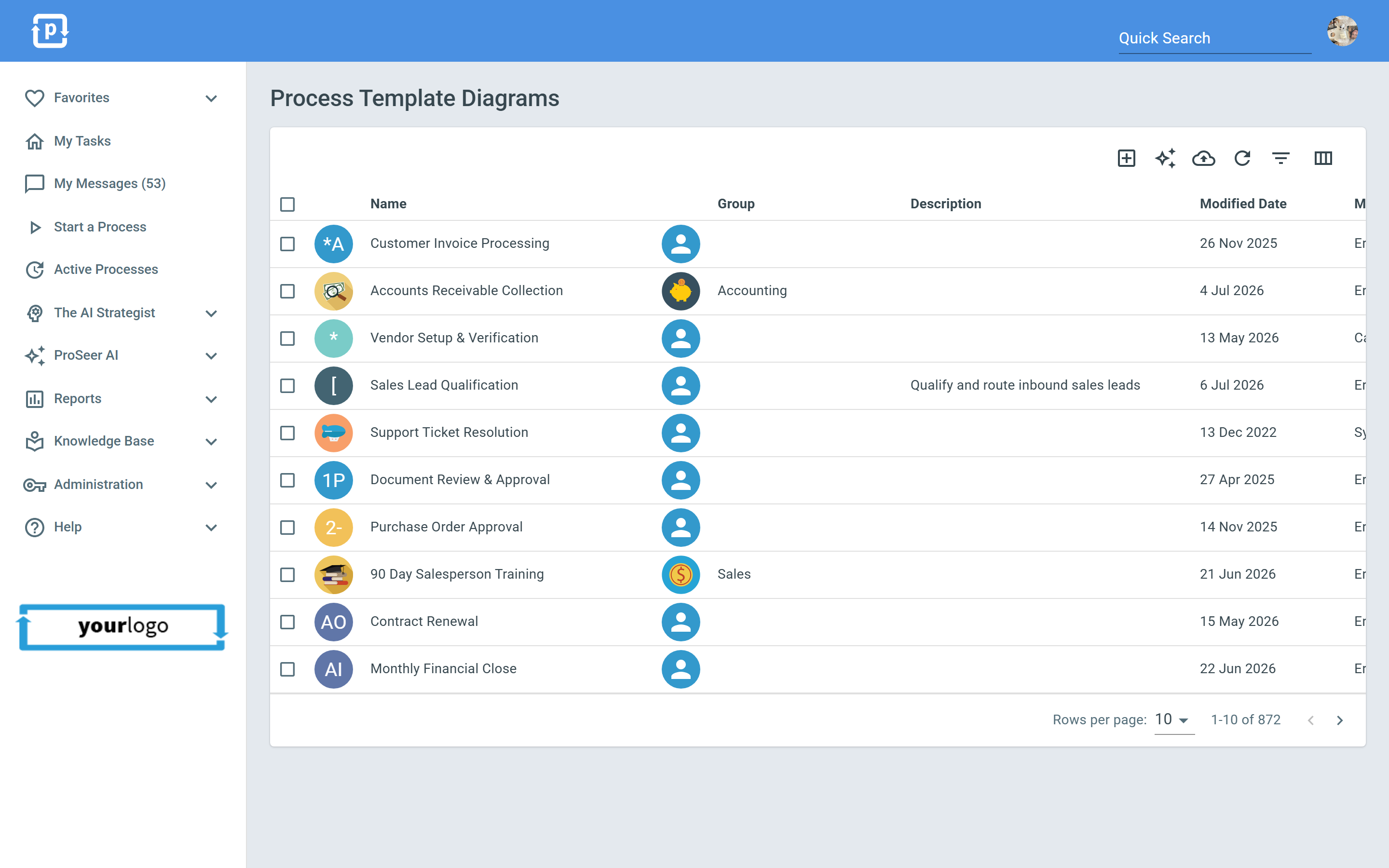
- Go to the Templates area.
- Create a new template and give it a clear, action-oriented name (for example, “New Employee Onboarding” or “Monthly Invoice Run”).
- Add the steps (tasks) that make up the process. For each step, define what needs to happen and who should do it.
- Arrange the steps in the order they should run. Steps can run one after another or branch depending on how the process flows.
Editing with the diagram
Section titled “Editing with the diagram”Every template can be viewed and edited as a visual flow diagram, which is often the easiest way to understand and restructure a process. See Process Diagrams for details.
Subprocesses
Section titled “Subprocesses”Larger processes can be broken into smaller pieces by linking one template to another as a subprocess. In the diagram, double-clicking a subprocess step drills into that linked template, keeping complex operations manageable.
- Keep step names short and start them with a verb (“Send welcome email”, “Approve purchase order”).
- Refine templates over time - when a run goes wrong, fix the template so it can’t go wrong the same way twice.