Introducing Knowledge Management
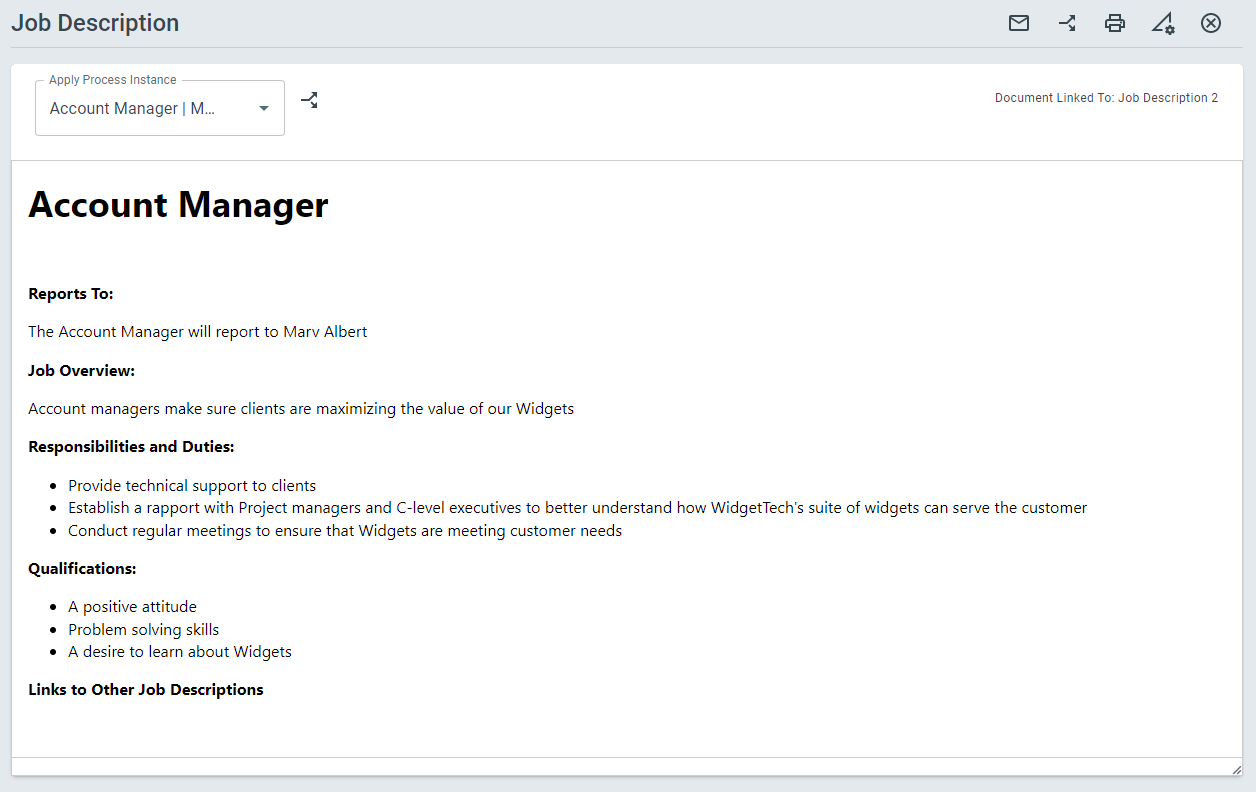
Using ProcessPlan’s Knowledge Management, you can generate rich-text Merge documents that can display anything from Server Configurations to Job Descriptions. Your Process fields will be inserted into your Document Templates. Knowledge Base documents are stored in their own table and there are many options when formatting your Knowledge Base documents.
To generate a new document, do the following:
-
Log in to your account
-
Click Knowledge Base > All Documents or Documents By Type > New Document in the top right
-
Select the type of document you want to generate > Fill in the required fields > Click Start Process
-
Your new Knowledge Base Document will appear