
=REMOVESYMBOLS
The REMOVESYMBOLS function removes all symbols from a specified text field, leaving only alphanumeric characters and spaces.
Syntax
Section titled “Syntax”=REMOVESYMBOLS(ValueOrField)Parameters
Section titled “Parameters”ValueOrField – The text string or field token from which symbols will be removed.
How It Works
Section titled “How It Works”-
Scans the input text string.
-
Removes all symbol characters (e.g., punctuation and special characters).
-
Retains only:
-
Letters (A–Z, a–z)
-
Numbers (0–9)
-
Spaces
-
-
Returns a cleaned text string with symbols stripped out.
Usage Notes
Section titled “Usage Notes”-
Formula functions are case sensitive and must be written in ALL CAPS.
-
Useful for cleaning data that contains punctuation or special characters.
-
Helps standardize text for searching, matching, or reporting.
-
Unlike REMOVECHARS, this function automatically targets all symbols at once.
-
Preserves spacing between words for readability.
Example
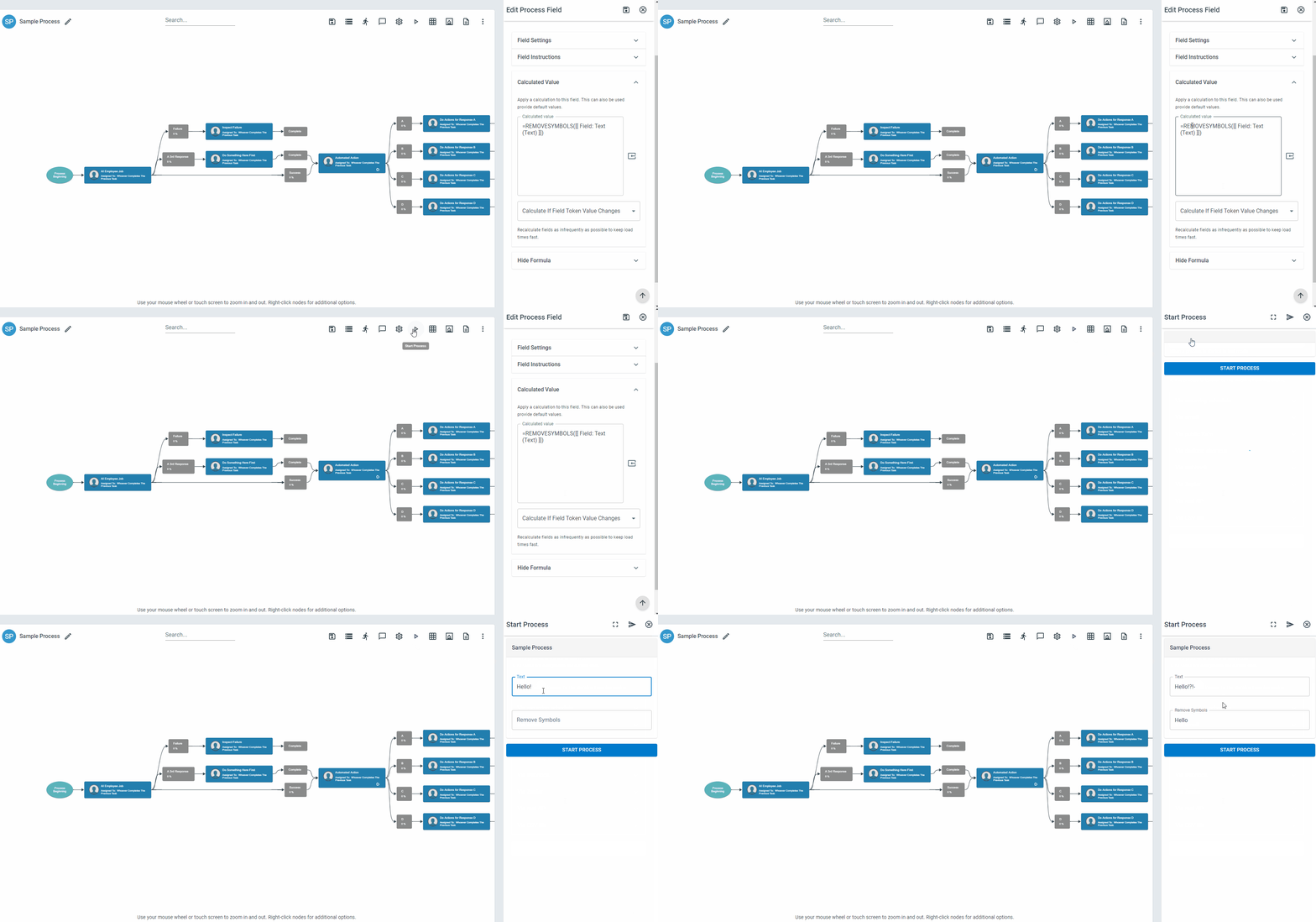
Section titled “Example”=REMOVESYMBOLS(Hello, World! #2026 @AI)Returns
Section titled “Returns”Hello World 2026 AI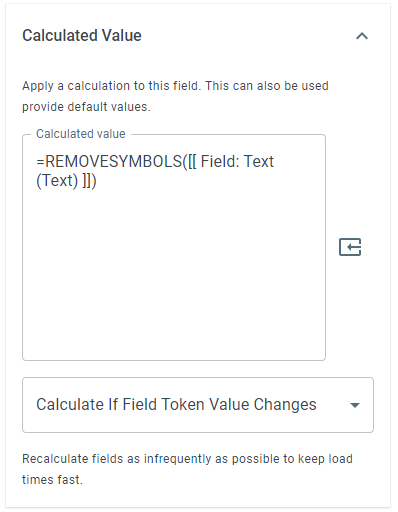
Keywords
Section titled “Keywords”REMOVESYMBOLS, remove punctuation, strip symbols, alphanumeric cleanup, text cleaning, sanitize text, workflow formulas, formula function