Custom User Fields
ProcessPlan allows users to set up fields within their user account that can be used for automated actions.
- Click Administration > Users > Custom User Fields > New Custom Field
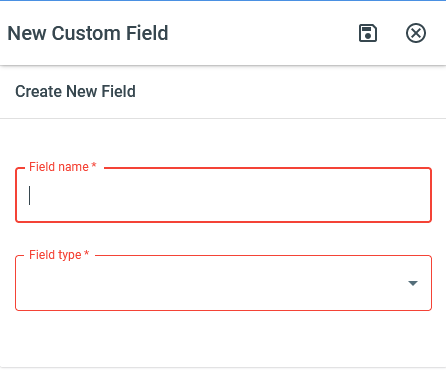
Give the field a name, select a field type, and click the Save icon at the top of the panel
Inserting the Custom User Field
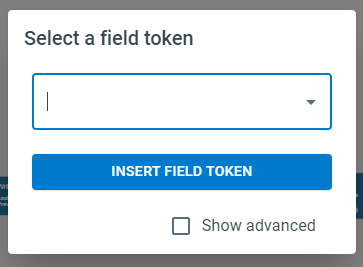
Section titled “Inserting the Custom User Field”Your custom field can be inserted like a typical process field. This field will be listed as: Field type: “(Custom Field Name)”