Via CSV File
ProcessPlan gives you the ability to upload a Comma Separated Value (.csv) file containing your process data and start multiple processes at the same time.
To start multiple process instances, do the following:
-
Log in to your account
-
Click Administration > Processes > Template Diagrams > The card of the process you want to start
-
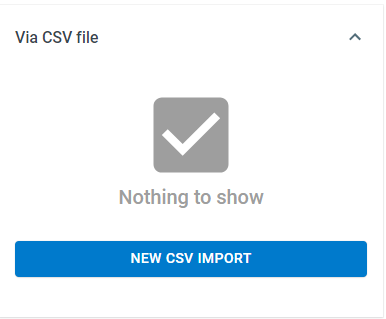
Click Start Process > Via CSV file > New CSV Import
-
Upload your .csv file
-
Map your fields
-
Click Start Import
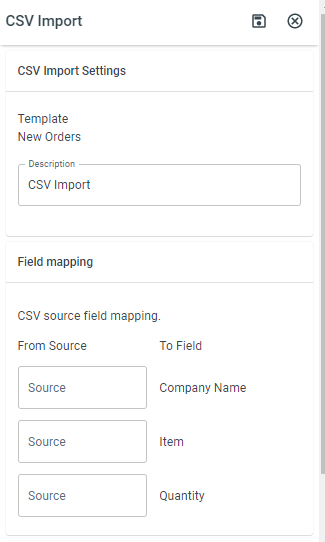
- Description - The name of the CSV file. CSV files are accessible throughout the system.
Setting up the Spreadsheet
Section titled “Setting up the Spreadsheet”-
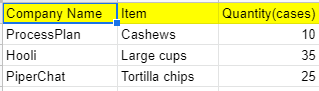
The first row of the spreadsheet should be the column name > the following rows contain the data
-
Save your file as a .csv
Mapping the Fields
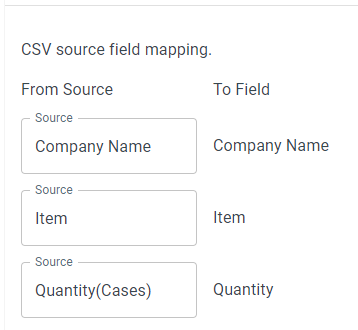
Section titled “Mapping the Fields”When mapping the fields, do the following:
- In the From source section, enter the column name on your spreadsheet in the space that corresponds with the process field you wish to put the data in