
=NUM
The NUM function retrieves the numeric value from a text string by removing all non-numeric characters.
Syntax
Section titled “Syntax”=NUM(Parameter)Parameters
Section titled “Parameters”Parameter – The text string, field token, or value containing numeric and non-numeric characters.
How It Works
Section titled “How It Works”-
Evaluates the provided text or value.
-
Removes all non-numeric characters.
-
Returns only the numeric portion of the value.
Usage Notes
Section titled “Usage Notes”-
Formula functions are case sensitive and must be written in ALL CAPS.
-
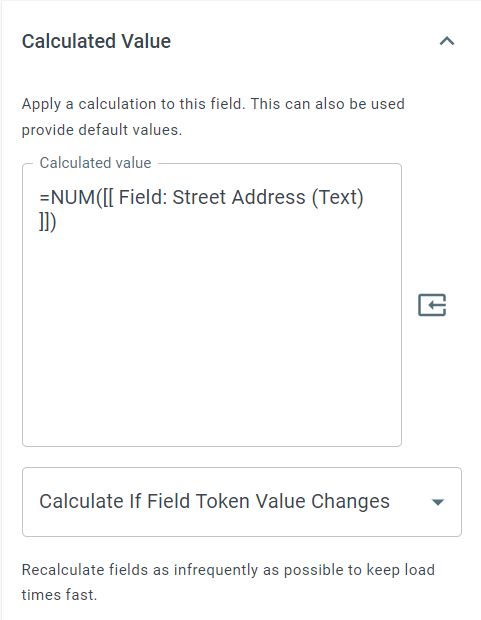
Useful for extracting numbers from addresses, IDs, invoice numbers, or mixed text fields.
-
Non-numeric characters such as letters, spaces, and symbols are ignored.
-
Can be combined with other text or math functions for further processing.
Example
Section titled “Example”=NUM(123 Sample Street)Returns
Section titled “Returns”123
Keywords
Section titled “Keywords”NUM, extract numbers, numeric value, remove text, string parsing, text to number, workflow formulas, formula function