
=REMOVEDIACRITICS
The REMOVEDIACRITICS function removes diacritic marks from characters in a text string, converting them into their standard base-letter equivalents.
Syntax
Section titled “Syntax”=REMOVEDIACRITICS(ValueOrField)Parameters
Section titled “Parameters”ValueOrField – The text string or field token containing characters with diacritics that you want to normalize.
How It Works
Section titled “How It Works”-
Scans the input text for characters with diacritic marks (accents or modifiers).
-
Strips the diacritic marks from each character.
-
Replaces each modified character with its equivalent base character.
-
Returns a clean version of the text without diacritics.
Usage Notes
Section titled “Usage Notes”-
Formula functions are case sensitive and must be written in ALL CAPS.
-
Commonly used for standardizing names, addresses, or multilingual text.
-
Improves matching, searching, and comparison consistency across datasets.
-
Does not remove letters - only accent/diacritic marks.
-
Useful before applying functions like REGEXFIND or comparisons.
Example
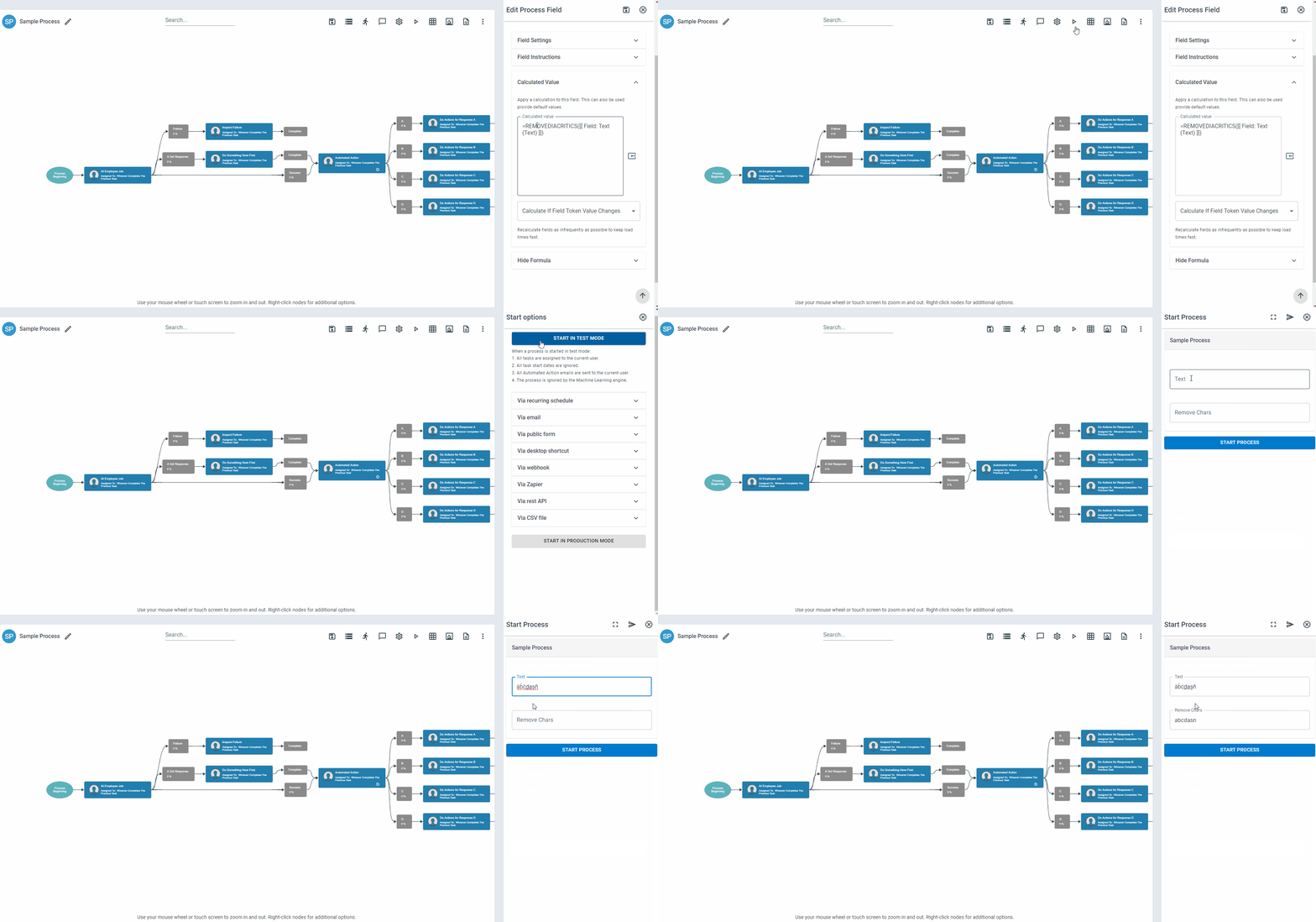
Section titled “Example”Given text:
àb̀c̀d̲a̱s̰ñ
=REMOVEDIACRITICS(àb̀c̀d̲a̱s̰ñ)Returns
Section titled “Returns”abcdasn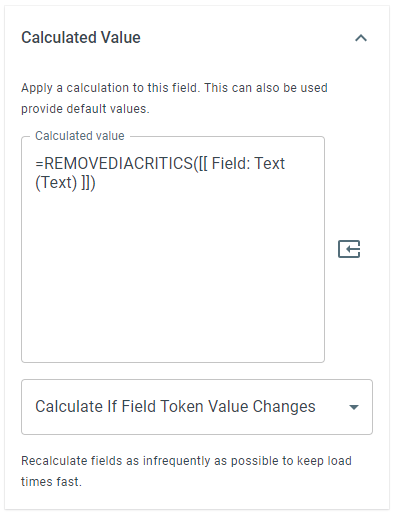
Keywords
Section titled “Keywords”REMOVEDIACRITICS, remove accents, diacritics removal, normalize text, accent stripping, multilingual cleanup, text standardization, workflow formulas, formula function