
=REMOVECHARS
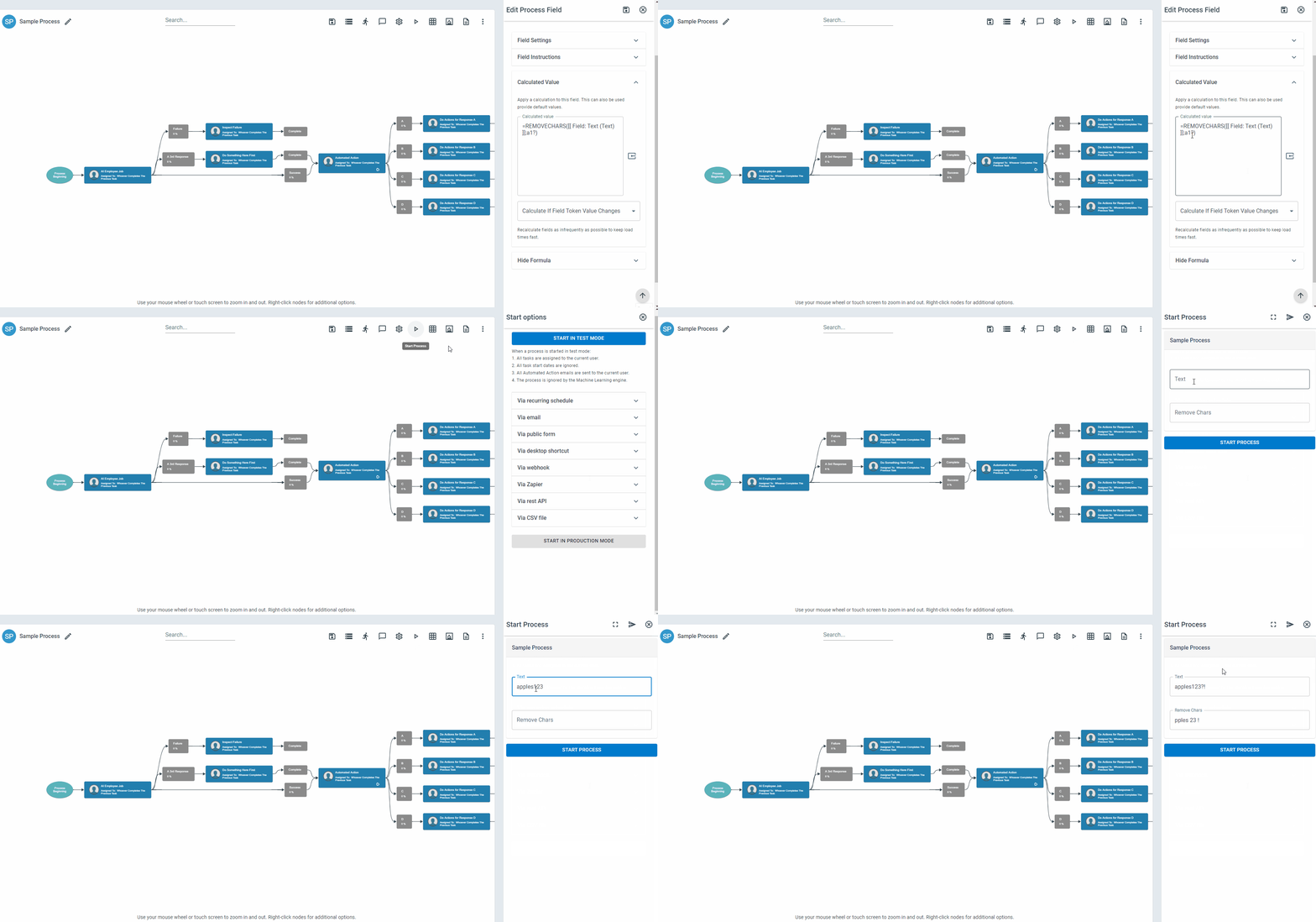
The REMOVECHARS function removes specified characters from a text string and replaces each removed character’s position with a space.
Syntax
Section titled “Syntax”=REMOVECHARS(ValueOrField; CharactersToRemove)Parameters
Section titled “Parameters”ValueOrField – The text string or field token you want to modify.
CharactersToRemove – The character or set of characters that will be removed from the text.
How It Works
Section titled “How It Works”-
Scans the input text for the specified characters.
-
Removes each matching character found.
-
Replaces the position of each removed character with a space.
-
Returns the modified text string with gaps where characters were removed.
Usage Notes
Section titled “Usage Notes”-
Formula functions are case sensitive and must be written in ALL CAPS.
-
Can remove:
-
Letters (A–Z, a–z)
-
Numbers (0–9)
-
Special characters (e.g., , . ? ! % # @ ^ & * ( ) { } [ ] / \ etc.)
-
-
Useful for cleaning or masking sensitive or structured text.
-
Unlike full deletion, removed characters leave spacing in their place.
-
Can be used to standardize or partially sanitize input fields.
Example
Section titled “Example”=REMOVECHARS(ABC-123-XYZ; -)Returns
Section titled “Returns”ABC 123 XYZ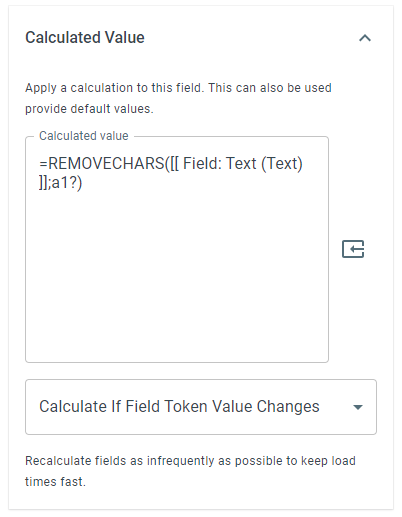
Keywords
Section titled “Keywords”REMOVECHARS, remove characters, text cleanup, replace with space, sanitize string, strip symbols, workflow formulas, formula function