
Webhook Action Type
ProcessPlan allows users to launch webhooks via Automated Action.
To set up this automated action, do the following:
-
On the desired template, click the Automated Actions icon in the template designer menu or right-click on any whitespace in the diagram and select Automated Actions > New Action
-
Give the action a name and select Automate a Webhook as your Action Type
-
Select a trigger and add any conditions
-
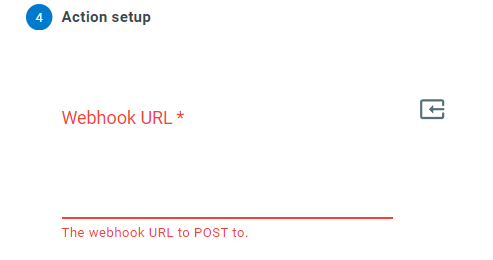
Paste the Webhook URL you would like to POST to into the Webhook URL field
-
Optionally enter a Signing Secret - a random string of text with high entropy. ProcessPlan signs each payload with it so the receiving system can verify the payload really came from ProcessPlan. Once saved, this value will not be displayed again
Good to know:
-
The webhook delivers the process, the current task, and all of the process field values as JSON, so the receiving system has everything it needs without calling back
-
The receiving endpoint should respond quickly with a success status - ProcessPlan only waits a couple of seconds for a reply
-
If the webhook URL is invalid, the action is automatically deactivated so it doesn’t keep failing; fix the URL and reactivate the action