
Responding to a Task
Tasks are assigned to users in order to complete processes. Each task may have one or more responses.
To respond to a task on the worklist, do the following:
-
Log in to your account
-
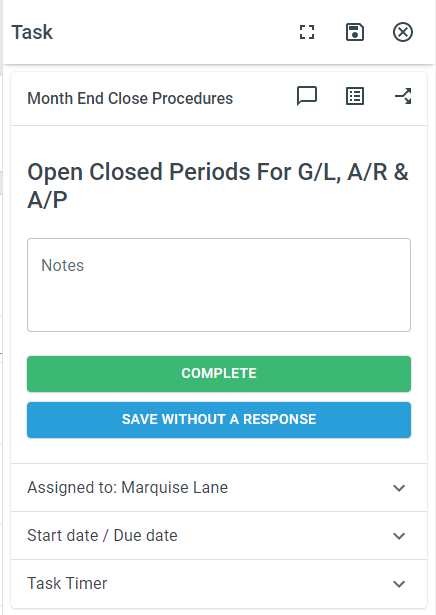
Click on the task you wish to respond to. Responses will be green unless a required field is blank.
-
Select your Response
Full screen mode
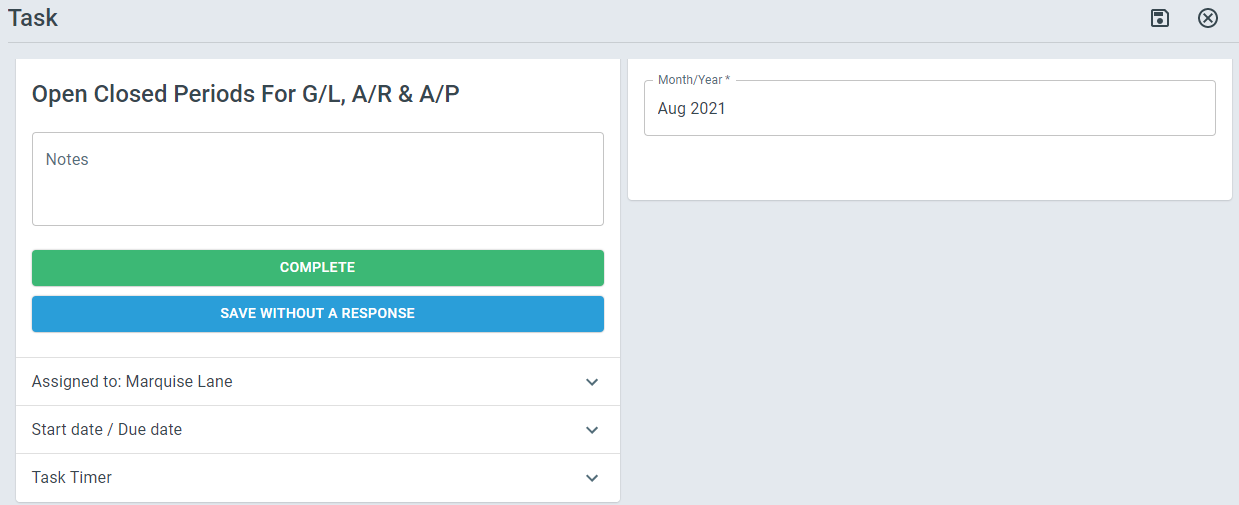
Section titled “Full screen mode”The task panel can also be made full screen. To make the task panel full screen, do the following:
-
Click a task
-
At the top of the Task Panel, click the Full screen icon
Saving without Responding
Section titled “Saving without Responding”It is possible to save process fields or checklist values without responding to a task and moving to the next task. To save a task without responding, do the following:
-
Click a task
-
Enter field values and/or click checklist items
-
Click the Save Without a Response button.