
=GTENUM (Greater Than or Equal To Number)
The GTENUM function compares two numeric values and returns whether the first number is greater than or equal to the second number. Useful for numeric validation, conditional logic, and workflow decisions.
Syntax
Section titled “Syntax”=GTENUM(IsThisNumber; GreaterOrEqualToThisNumber)Parameters
Section titled “Parameters”-
IsThisNumber – The number you want to evaluate.
-
GreaterOrEqualToThisNumber – The number to compare against.
How It Works
Section titled “How It Works”-
Returns 1 (true) if IsThisNumber is greater than or equal to GreaterOrEqualToThisNumber.
-
Returns 0 (false) if IsThisNumber is less than GreaterOrEqualToThisNumber.
Usage Notes
Section titled “Usage Notes”-
Works with integers, decimals, and numeric field tokens.
-
Formula functions are case sensitive and must be written in ALL CAPS.
Example
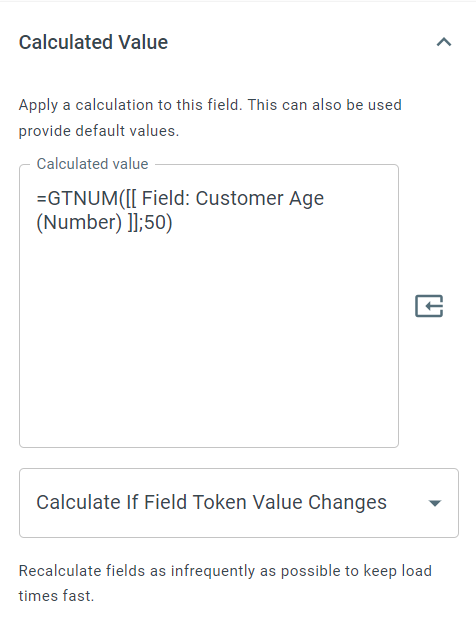
Section titled “Example”=GTENUM(50; 50)Returns: 1 “True”
Keywords
Section titled “Keywords”GTENUM, greater than or equal number, numeric comparison, conditional logic, workflow formulas, true/false, process field number, formula function