
Starting a Process
To start a process in ProcessPlan, do the following:
-
Log in to your account
-
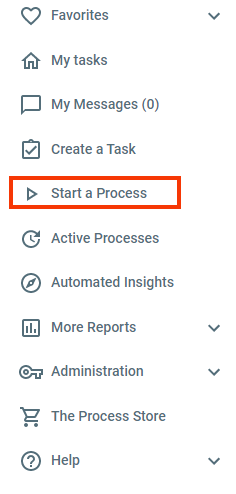
Click Start a Process in the left-hand navigation menu
A screen with all of the Processes (that you have access to see) within your organization will appear:
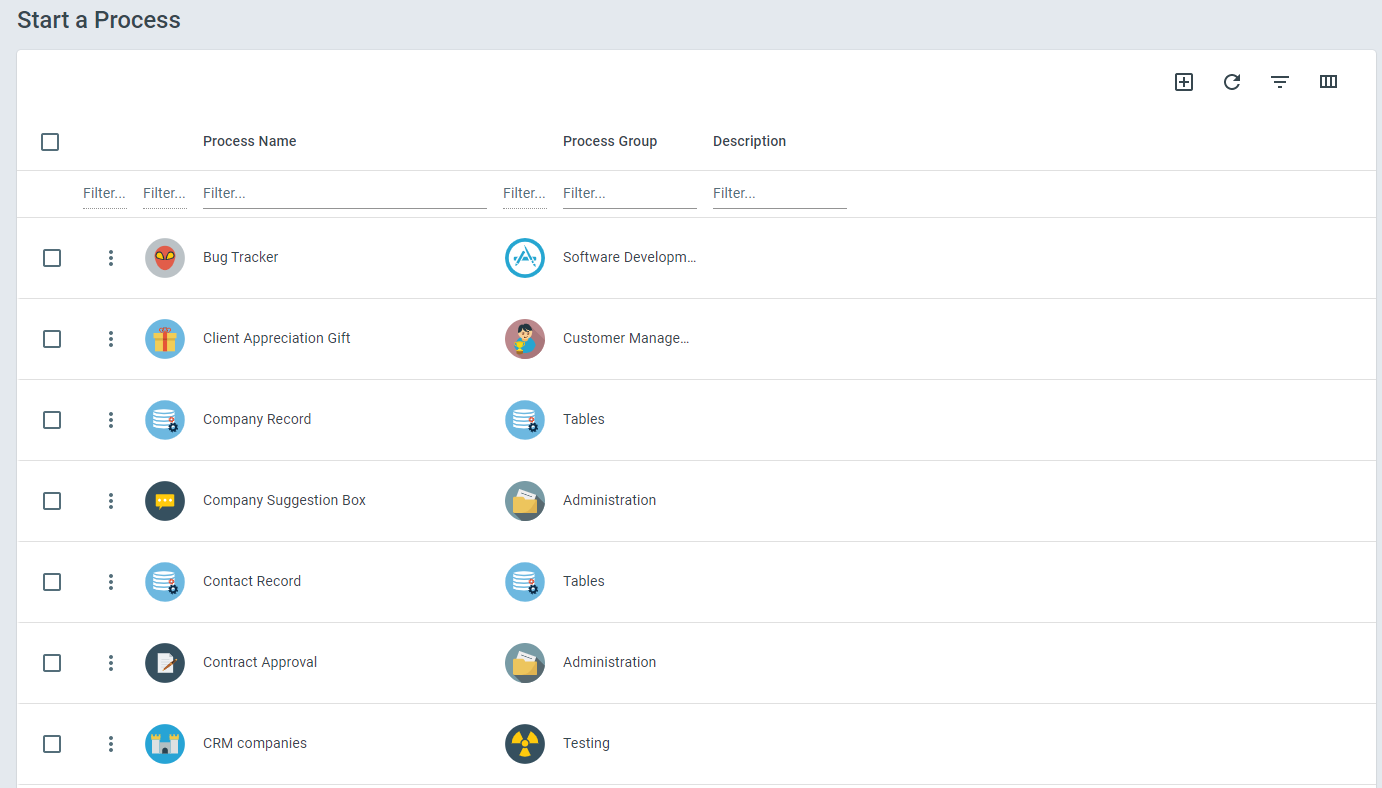
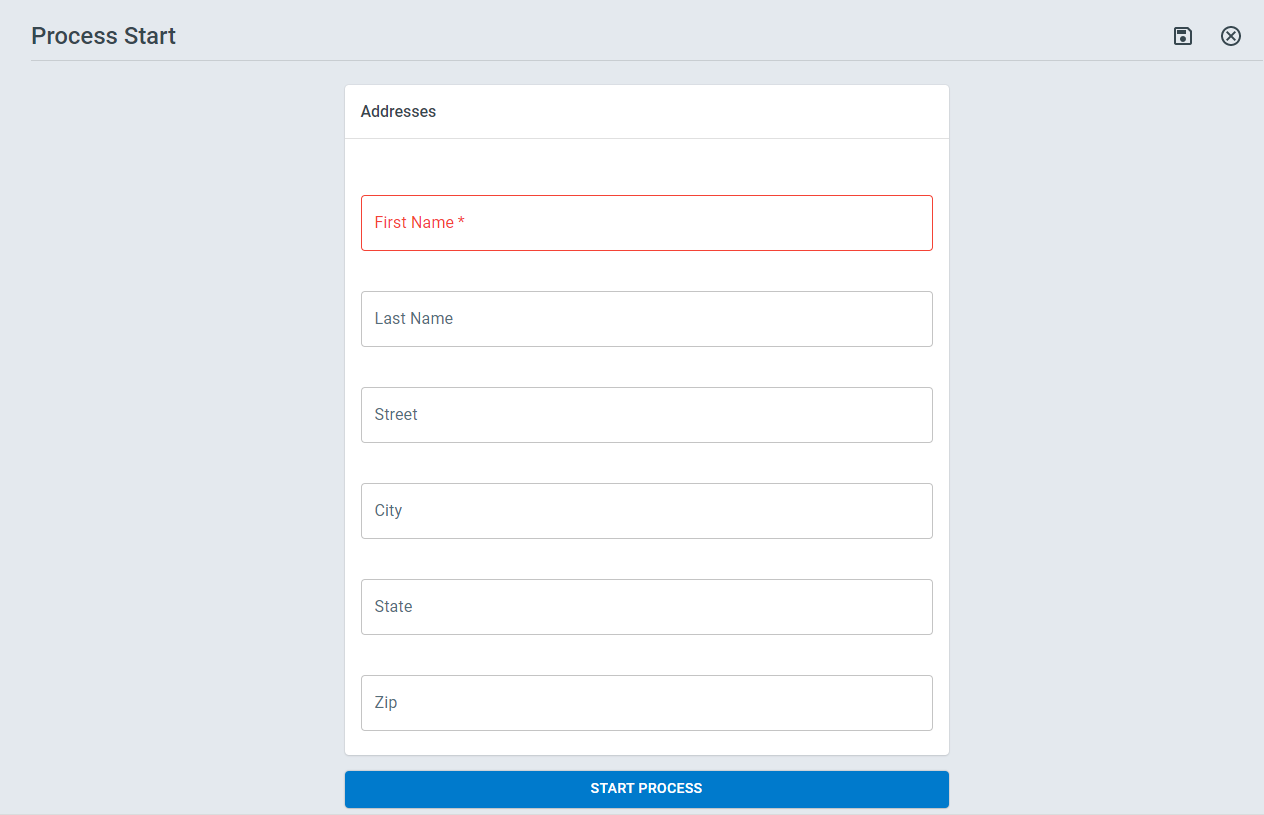
Click the Process you want to start > Fill out any required fields and click Start Process.
Adding Default Values via Query String
Section titled “Adding Default Values via Query String”ProcessPlan gives you the ability to add default values in the URL used to start a process.
To add default values via query string, do the following:
-
Log in to your account
-
Click Start a Process > Select the process you want to start > click the Full Screen icon in the top right of the Start Process panel
-
At the end of the URL, add ?tf_id_{the field ID of the field you want to populate}_if_text={the value you want to add to the field}
-
Multiple fields can be populated by adding &tf_id_{the field ID of the field you want to populate}_if_text={the value you want to add to the field}
The URL can be shared as you see fit