
Working with the AI Employee Program
The ProcessProxy program allows you to monitor and edit AI Employee jobs, as well as utilize various tools and update the Employee. The ProcessProxy program has 4 tabs, each with a different function.
Monitoring Log
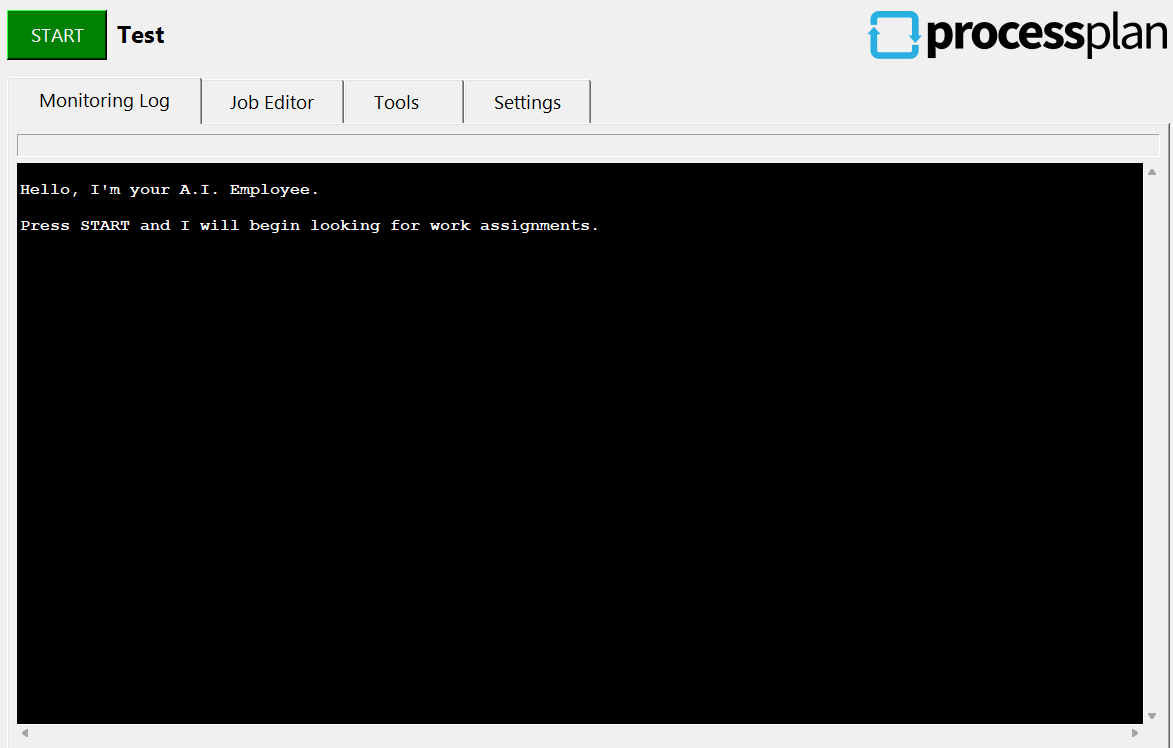
Section titled “Monitoring Log”The Monitoring Log tab keeps track of all jobs run by this Employee.
Job Editor
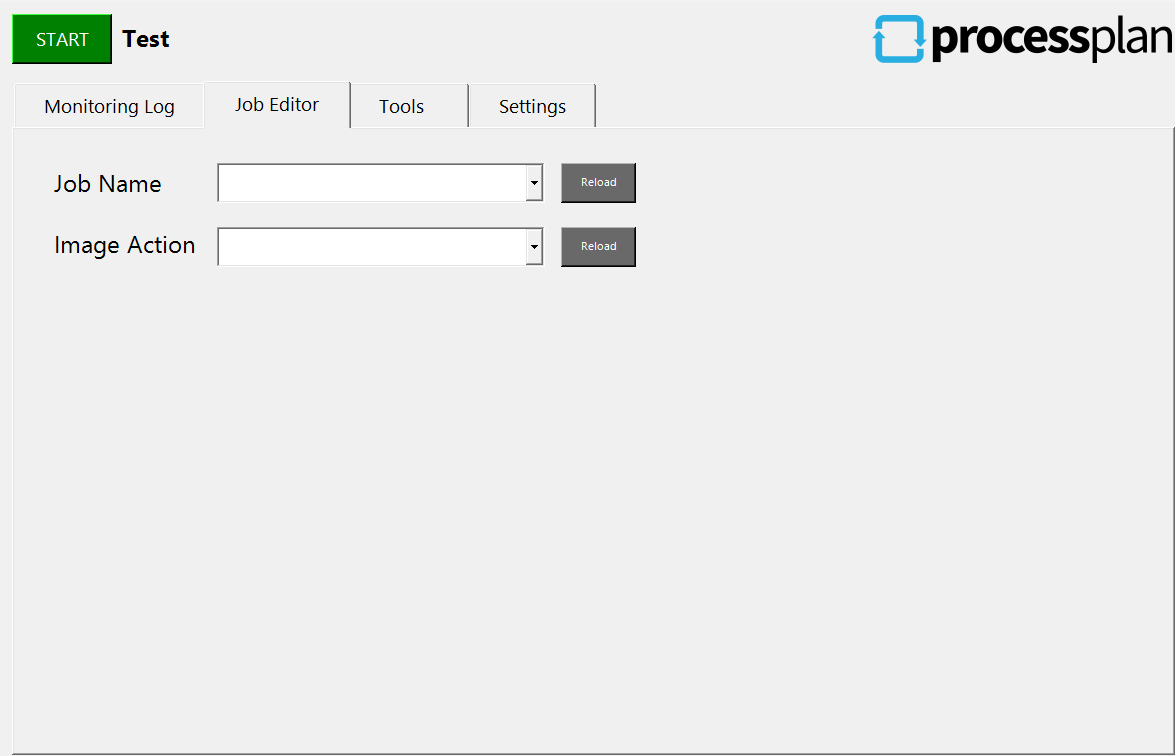
Section titled “Job Editor”The Job Editor Tab allows you to edit the jobs that will be executed.
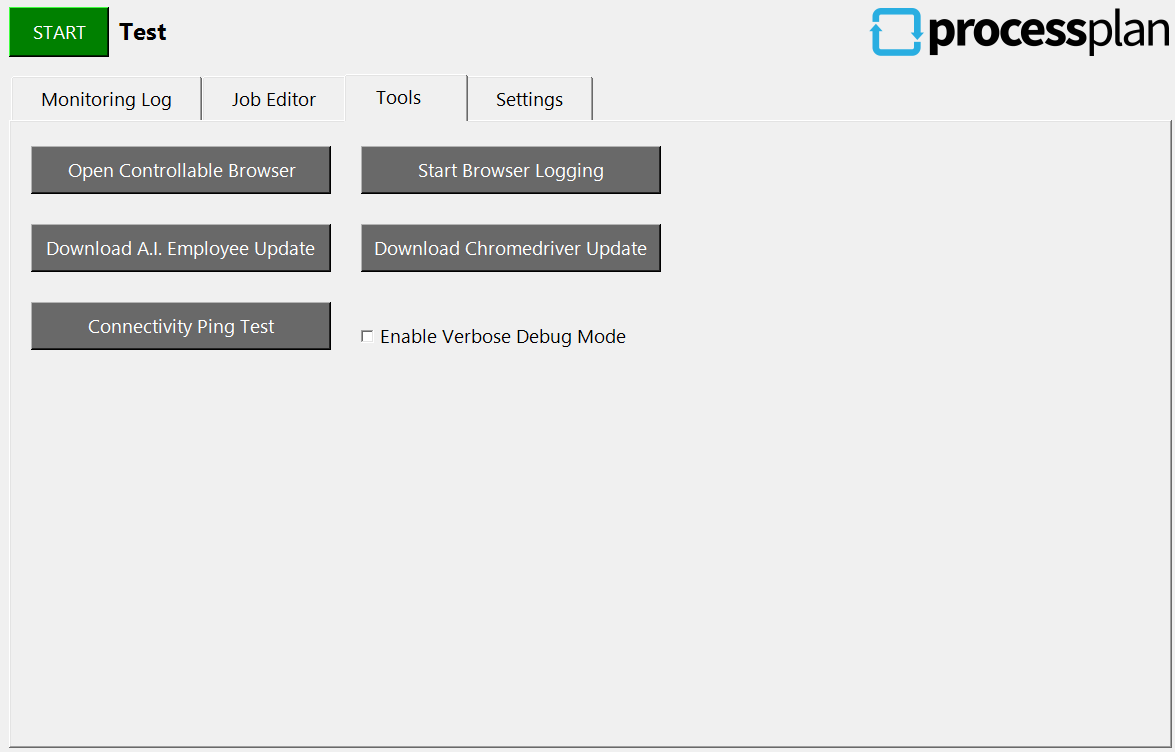
The Tools Tab allows you to do the following:
-
Open a controllable web browser.
-
Start logging information from a controllable browser.
-
Download an AI Employee update.
-
Download a Chromedriver update. The AI Employee gets the driver that matches the version of Chrome on this computer. If it is installed in Program Files, an administrator copies the new driver in (see Working in Administrator Windows).
-
Conduct a connectivity ping test.
Settings
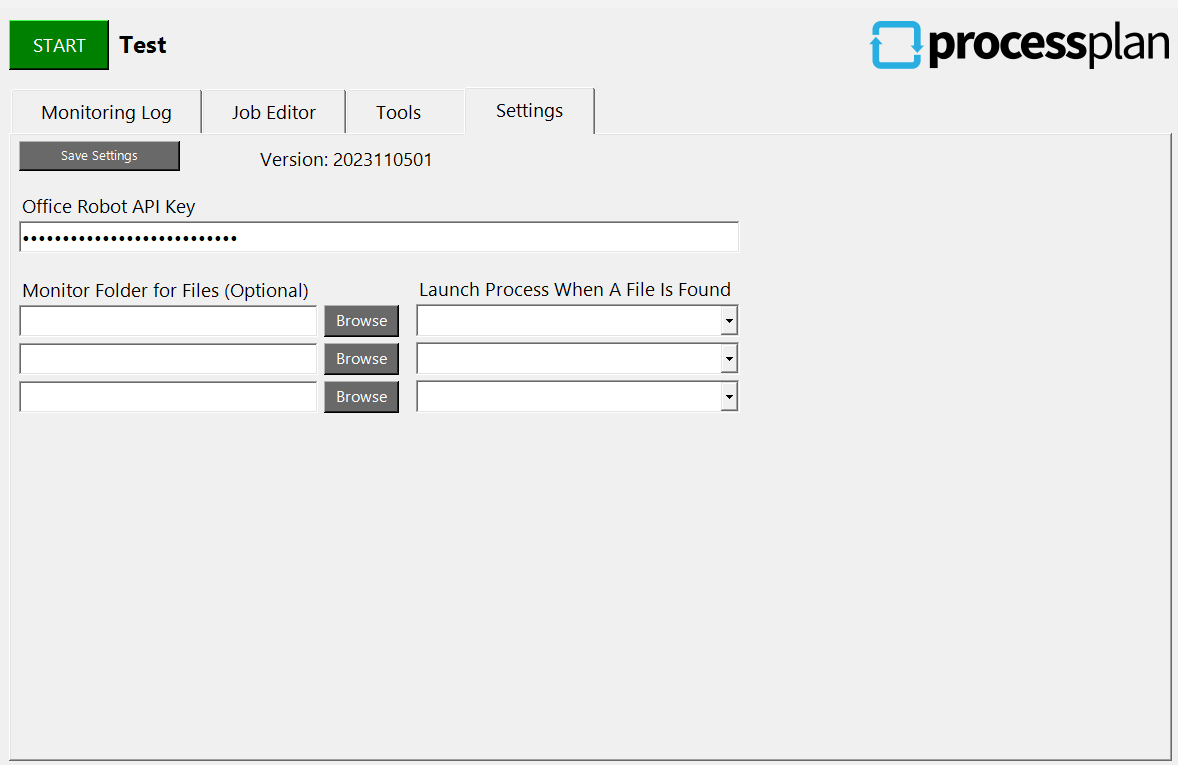
Section titled “Settings”The Settings Tab is where you enter your AI Employee API key.
Starting the AI Employee
Section titled “Starting the AI Employee”The AI Employee adds a shortcut to your Startup folder, so it starts when you sign in to Windows. Start it from that shortcut, or by double-clicking it. When a batch file, a scheduled task, or another program starts it directly instead, Windows can refuse to start it and show the message The requested operation requires elevation.
Where the AI Employee keeps its files
Section titled “Where the AI Employee keeps its files”The AI Employee keeps its settings and the websites it is signed in to in the folder it is installed in, such as C:\processproxy. An AI Employee installed in Program Files can’t save files there, so it keeps them in D:\ProcessProxy instead, or C:\ProcessProxy on a computer without a D drive.
The screenshots it saves while it works, and its log file, are in D:\ProcessProxy\Debug, or C:\ProcessProxy\Debug on a computer without a D drive. These are useful when you need to see what the AI Employee saw during a job.
If your jobs need to type into Windows Security sign-in prompts or programs started as administrator, see Working in Administrator Windows.