
=LTENUM (Less Than Or Equal To Number)
The LTENUM function allows you to compare two numeric values to determine whether the first value is less than or equal to the second value. This function returns 1 if “True”, 0 if “False”.
Syntax
Section titled “Syntax”=LTENUM(Value1; Value2)Parameters
Section titled “Parameters”-
Value1 – The numeric value you want to check.
-
Value2 – The numeric value you want to compare against.
How It Works
Section titled “How It Works”-
Evaluates the first numeric value.
-
Compares it to the second numeric value.
-
Returns 1 (true) if the first value is less than or equal to the second value.
-
Returns 0 (false) if the first value is greater than the second value.
Usage Notes
Section titled “Usage Notes”-
Formula functions are case sensitive and must be written in ALL CAPS.
-
Both values must be numeric; text values will cause the function to fail or return unexpected results.
-
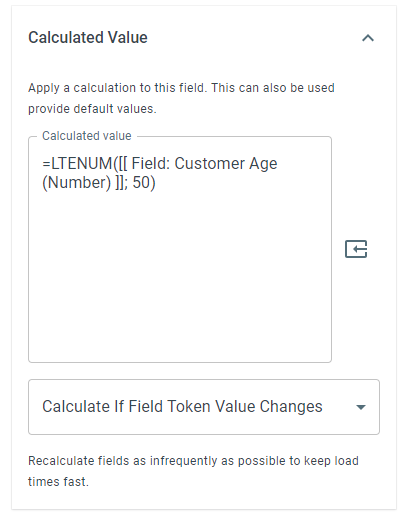
Field tokens containing numbers can be used instead of hard-coded values.
-
Useful for validations, thresholds, limits, and decision-making logic in workflows.
Example
Section titled “Example”=LTENUM(50; 50)Returns: 1 “True”
Keywords
Section titled “Keywords”LTENUM, less than or equal number, numeric comparison, conditional logic, workflow formulas, Boolean function, formula function