
Diagram Icons
ProcessPlan uses icons to symbolize various settings within a process. This page will explain the meaning of each icon.
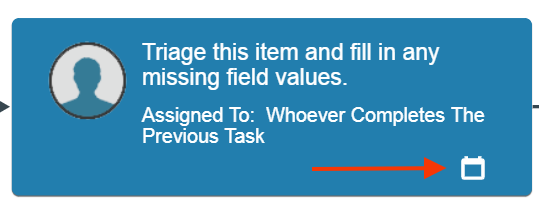
- Calendar icon - The calendar icon symbolizes a start and/or due date on a task

- Milestone icon - Shaped like a circle with a star in the center, this icon indicates that the task is a milestone on Milestone Reports

- Automated Action icon - The icon above symbolizes that there is an Automated Action tied to this task. This icon can also be found on response nodes

- Public Task Icon - The globe icon indicates that a task is public and can be completed by a user who is not logged into ProcessPlan
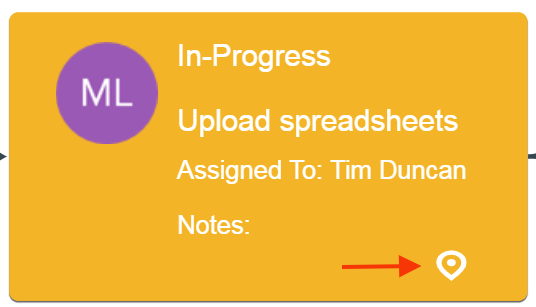
- Manually Started Task Icon - The icon above indicates that a task was manually started out of turn in the process