
=NORMALIZETEXT
The NORMALIZETEXT function removes all leading and trailing spaces from text. It collapses multiple consecutive spaces into a single space. Removes formatting, HTML tags, carriage returns, and line feeds.
Syntax
Section titled “Syntax”=NORMALIZETEXT(TextValue)Parameters
Section titled “Parameters”- TextValue – The text string or field token you want to clean and normalize.
How It Works
Section titled “How It Works”-
Evaluates the provided text value.
-
Strips extra spaces and hidden formatting characters.
-
Returns a clean, standardized text string.
Usage Notes
Section titled “Usage Notes”-
Formula functions are case sensitive and must be written in ALL CAPS.
-
Useful for cleaning up user-entered text or imported data.
-
Helps prevent errors caused by hidden spaces or formatting differences.
-
Can be combined with other text functions (like LOWERCASE) to fully standardize text values.
-
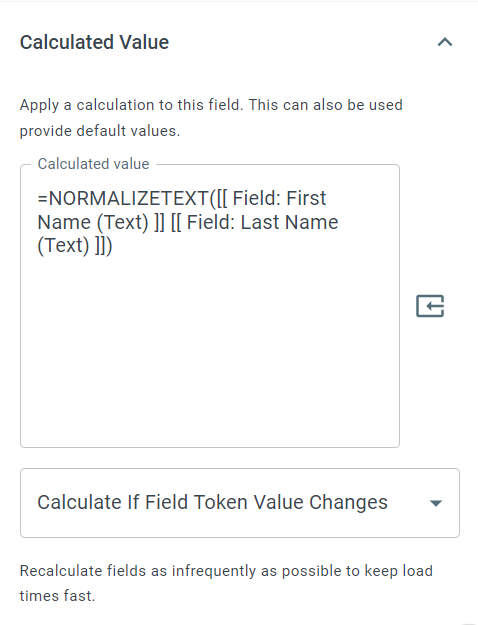
Field tokens can be used instead of hard-coded text values.
Example
Section titled “Example”=NORMALIZETEXT( There is a double space here. )Returns
There is a double space here.
Keywords
Section titled “Keywords”NORMALIZETEXT, clean text, remove spaces, text normalization, string cleanup, workflow formulas, formula function