
=RANDOMNUM
The RANDOMNUM function returns a random number within a specified range defined by lower and upper bounds.
Syntax
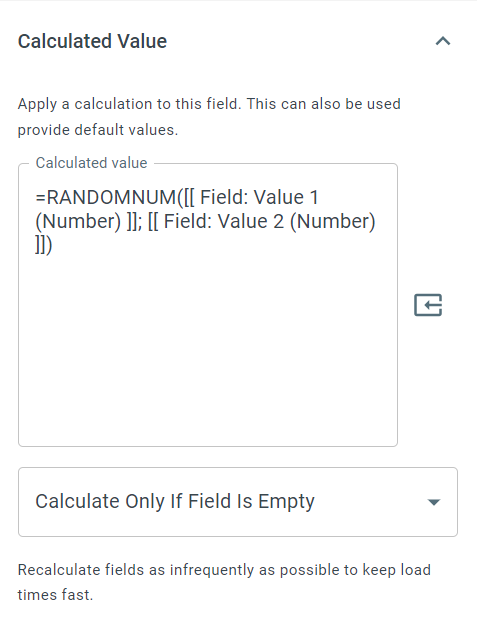
Section titled “Syntax”=RANDOMNUM(MinimumNumber; MaximumNumber)Parameters
Section titled “Parameters”MinimumNumber – The lowest possible number that can be returned.
MaximumNumber – The highest possible number that can be returned.
How It Works
Section titled “How It Works”-
Generates a random number within the specified range.
-
Includes both the minimum and maximum values as possible outcomes.
-
Each result is randomly selected on each evaluation of the function.
Usage Notes
Section titled “Usage Notes”-
Formula functions are case sensitive and must be written in ALL CAPS.
-
Useful for simulations, testing, sampling, or randomized workflows.
-
Each recalculation may produce a different result.
-
Works with whole numbers; the result is always a whole number.
Example
Section titled “Example”=RANDOMNUM(1; 10)Returns
Section titled “Returns”7 (example; actual result will vary)
Keywords
Section titled “Keywords”RANDOMNUM, random number, random range, min max, simulation, random generator, workflow formulas, formula function