Account Statistics
Statistics Reports give you an overview of the processes running in your account.
To view your statistics reports:
-
Log in to your account
-
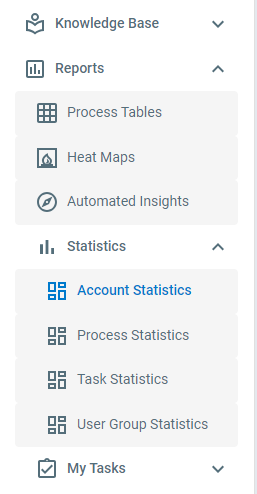
On the sidebar, click Reports > Statistics > Account Statistics
Account Statistics
Section titled “Account Statistics”The Account Statistics page shows:
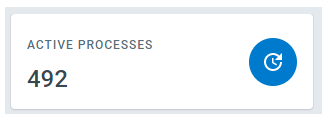
- Number of active processes that currently have at least one pending task
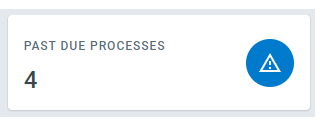
- Number of active processes that currently have at least one past due task
- A graph that gives a count of the number of pending instances of each active process
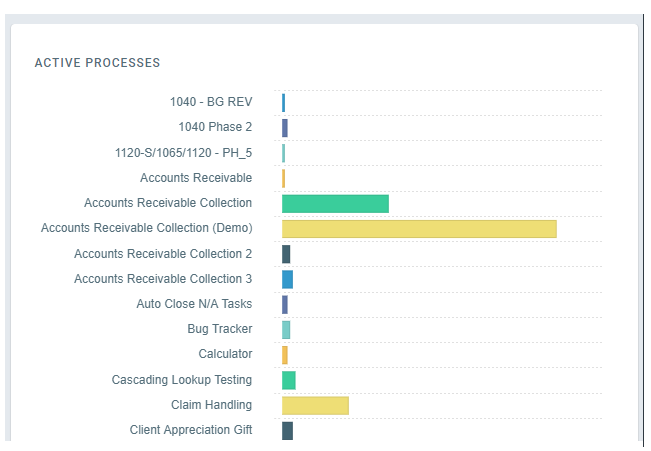
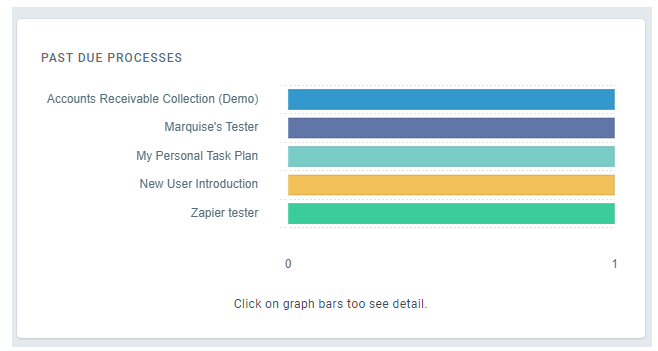
- A graph that gives a count of the number of pending instances of each past due process